Bilješka
Pristup ovoj stranici zahtijeva provjeru vjerodostojnosti. Možete pokušati da se prijavite ili promijenite direktorije.
Pristup ovoj stranici zahtijeva provjeru vjerodostojnosti. Možete pokušati promijeniti direktorije.
This article provides step-by-step instructions to list read-write dynamic parameters of an Azure Database for PostgreSQL flexible server.
Steps to list read-write dynamic parameters
Use the Azure portal:
Select your Azure Database for PostgreSQL flexible server.
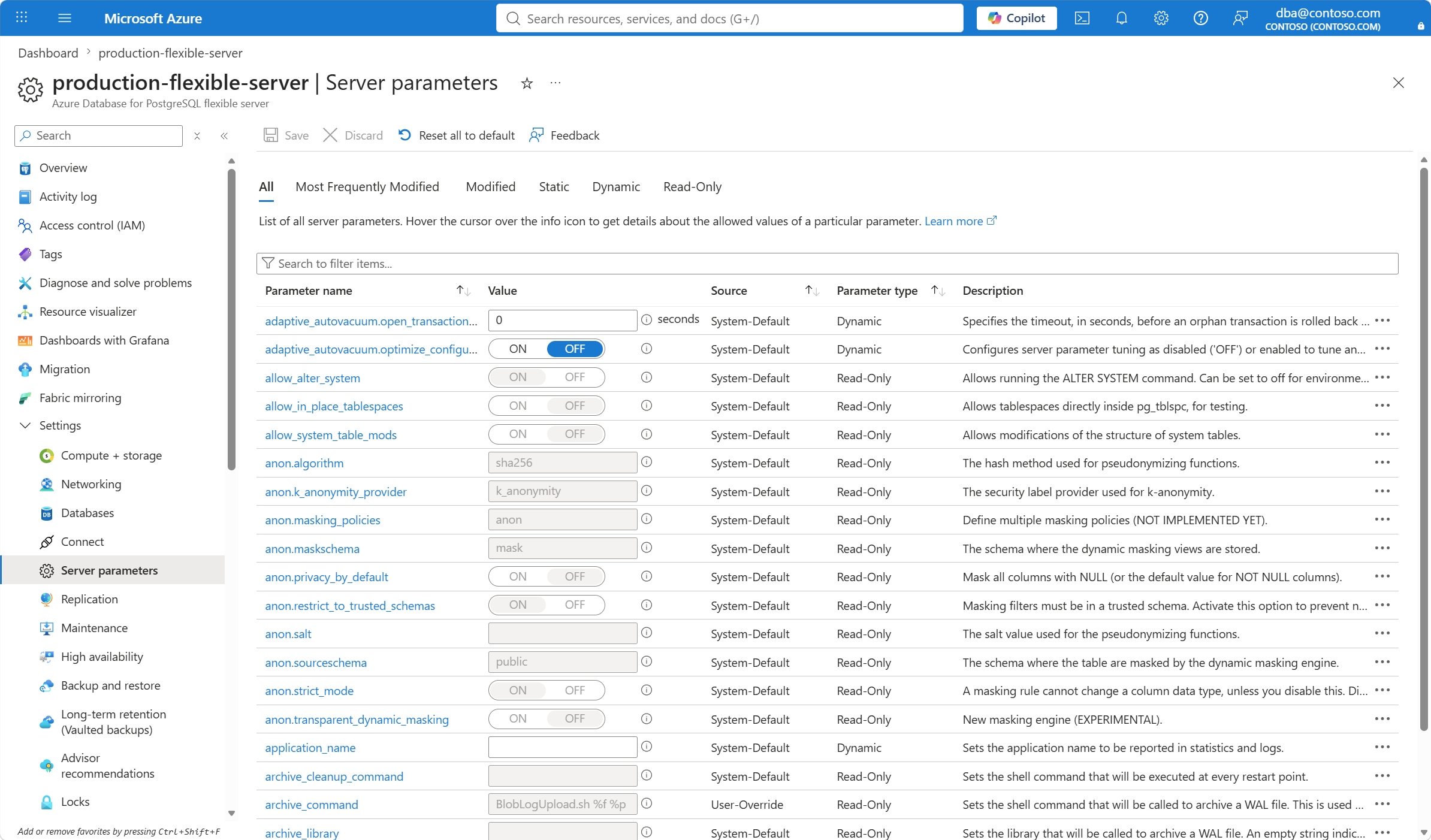
In the resource menu, under the Settings section, select Parameters.
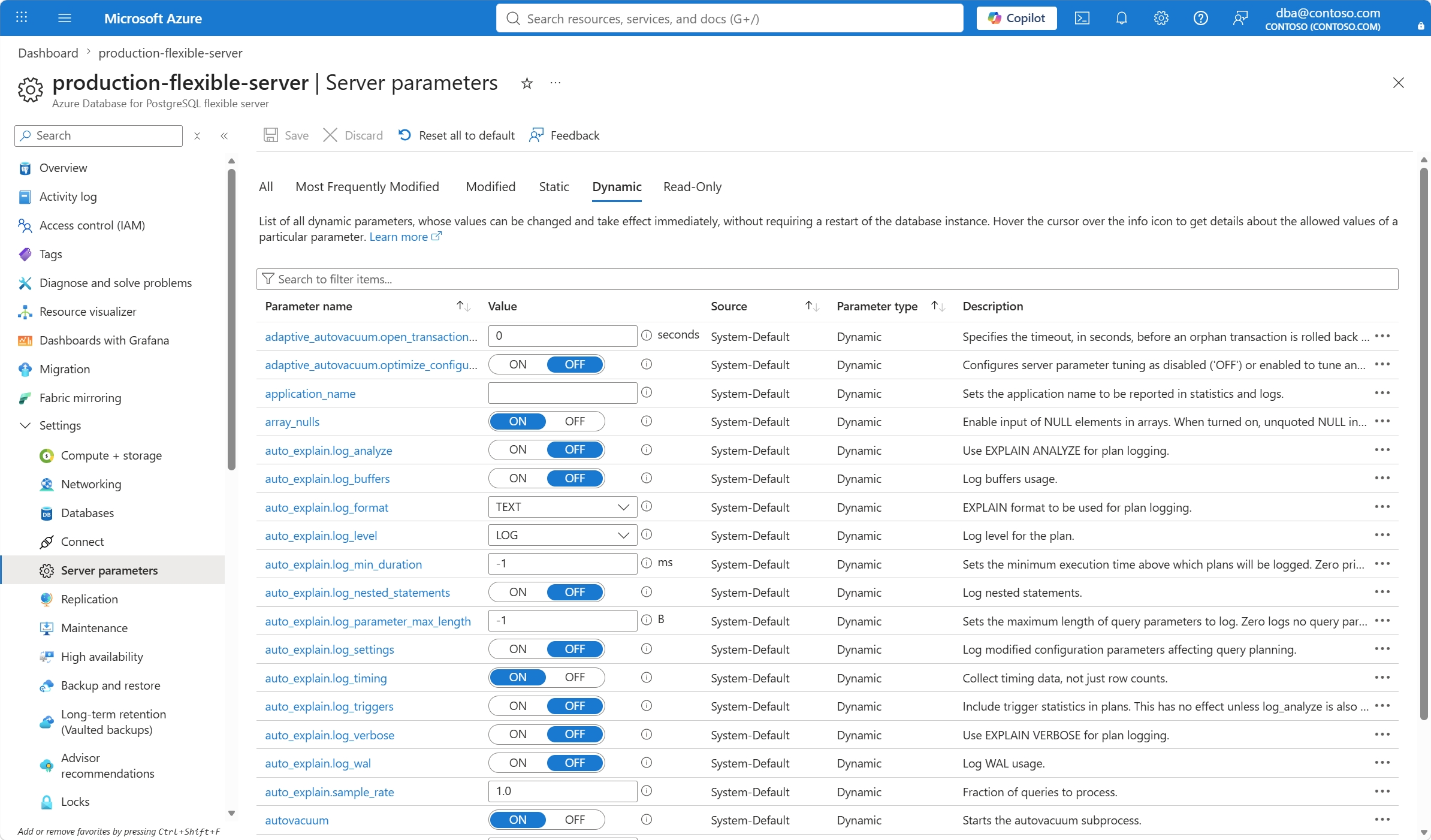
Select the Dynamic tab. The page shows a list of read-write parameters for which, if you change their value, the new value takes effect immediately without requiring a server restart.