Bilješka
Pristup ovoj stranici zahtijeva provjeru vjerodostojnosti. Možete pokušati da se prijavite ili promijenite direktorije.
Pristup ovoj stranici zahtijeva provjeru vjerodostojnosti. Možete pokušati promijeniti direktorije.
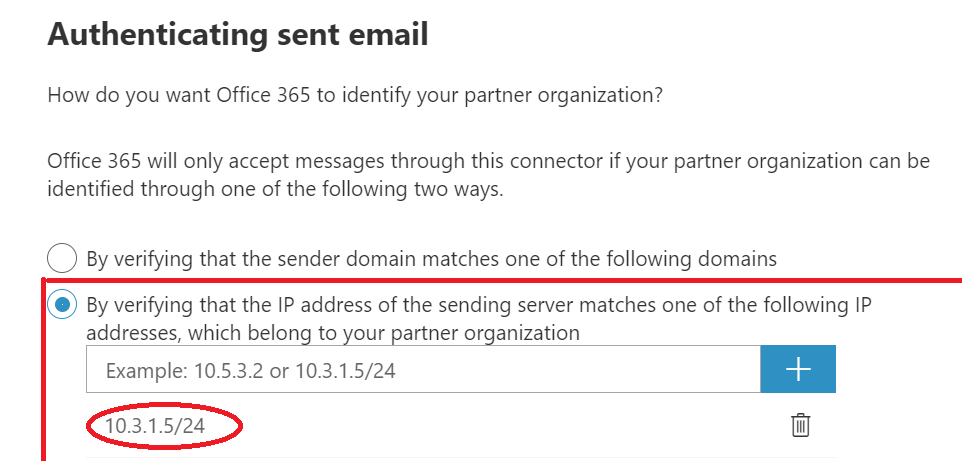
To identify your partner organization by IP address in the New EAC, use the options during setup as shown in the following screenshot:
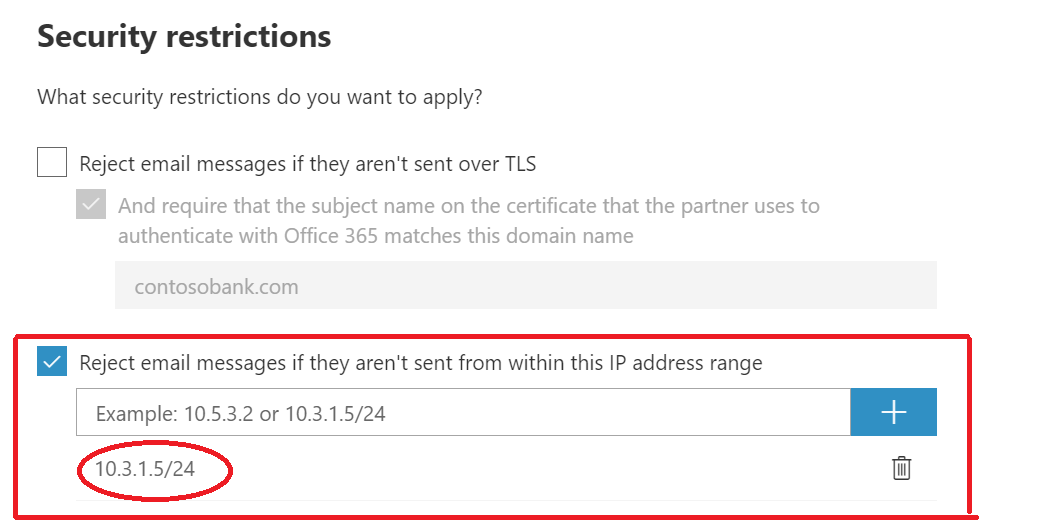
Add the requirement for TLS encryption by using the following setting:
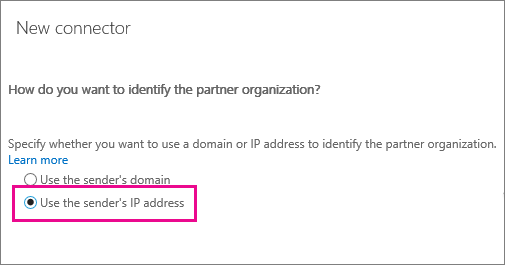
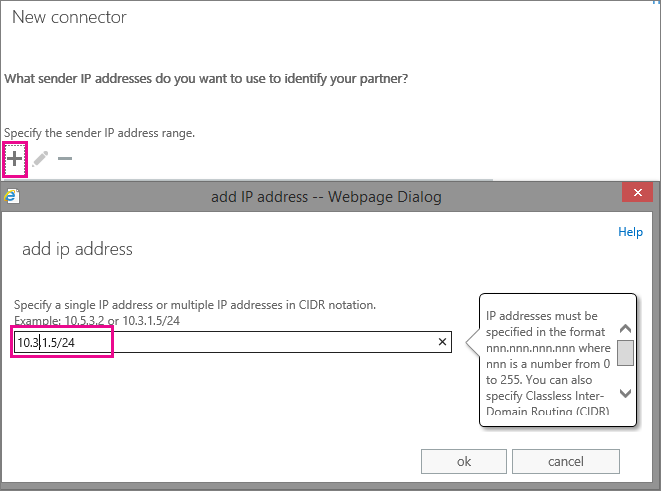
To identify your partner organization by IP address in the Classic EAC, use the options during setup as shown in the following screenshots:
Add the requirement for TLS encryption by using the following setting:
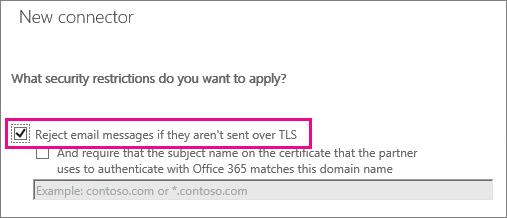
When you set these restrictions, all mails from your partner organization sent from the IP address or address range you specify must be sent using TLS. Any mail that doesn't meet this restriction will be rejected.