Bilješka
Pristup ovoj stranici zahtijeva provjeru vjerodostojnosti. Možete pokušati da se prijavite ili promijenite direktorije.
Pristup ovoj stranici zahtijeva provjeru vjerodostojnosti. Možete pokušati promijeniti direktorije.
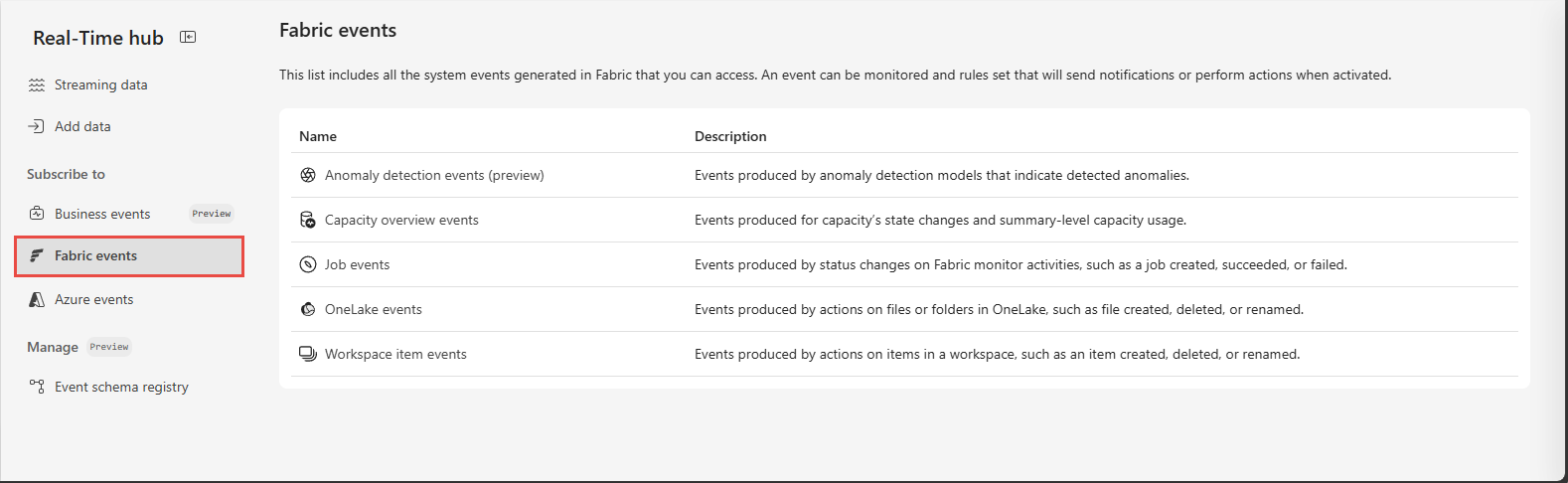
This article describes columns on the Fabric events page and actions available for each event.
Columns
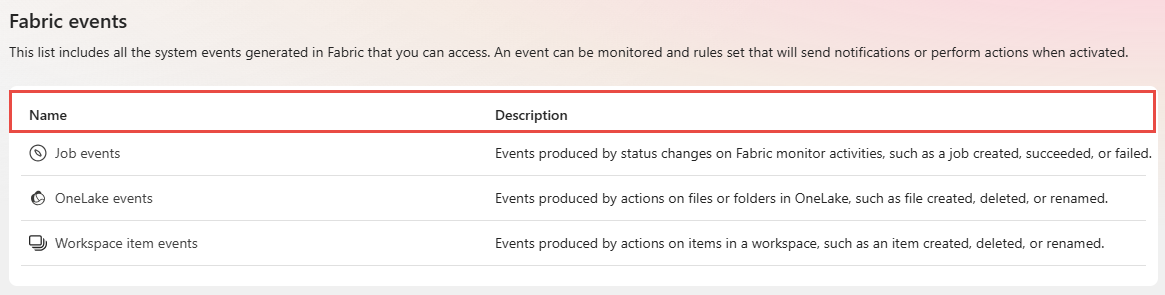
Fabric events have the following columns:
| Column | Description |
|---|---|
| Name | Name of the event type group. Fabric supports multiple event groups, including capacity overview events, workspace item events, OneLake events, job events, and anomaly detection events. |
| Description | Description of event type group. |
Actions
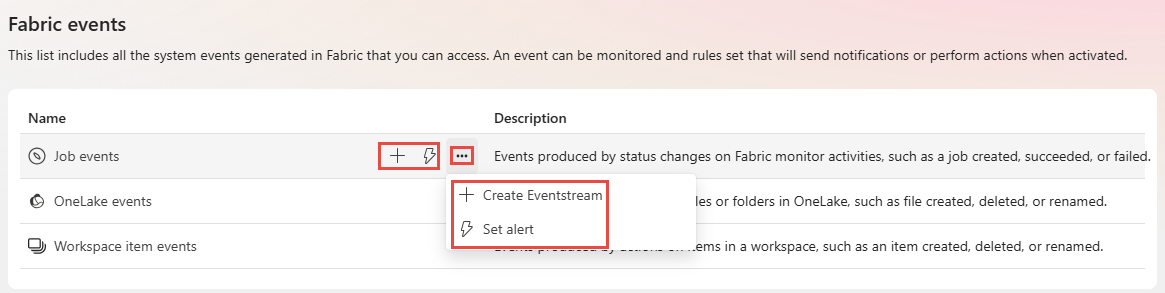
Each event type group offers the following actions. When you point to an event group, you see three buttons to create an eventstream, create an alert, and an ellipsis (...). When you select the ellipsis (...), you see the same actions: Create eventstream and Set alert.
| Action | Description |
|---|---|
| Create eventstream | Creates an eventstream on the selected event group with all event types selected. |
| Set alert | Sets an alert on the selected event group. |