Bilješka
Pristup ovoj stranici zahtijeva provjeru vjerodostojnosti. Možete pokušati da se prijavite ili promijenite direktorije.
Pristup ovoj stranici zahtijeva provjeru vjerodostojnosti. Možete pokušati promijeniti direktorije.
Use a Markdown visual to display formatted text and embed images in your Real-Time Dashboard tiles.
For more information on GitHub Flavored Markdown, see GitHub Flavored Markdown Spec.
Embed images
Open a Real-Time Dashboard.
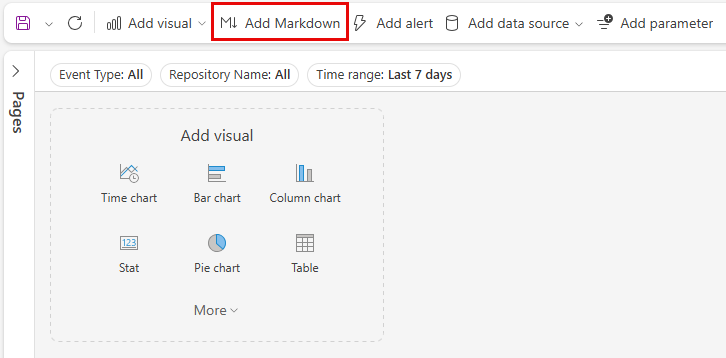
In the top menu, select Add markdown to open a markdown tile.
In the query pane, paste the URL of an image located in an image hosting service by using the following syntax:
The image renders in the tile's preview.
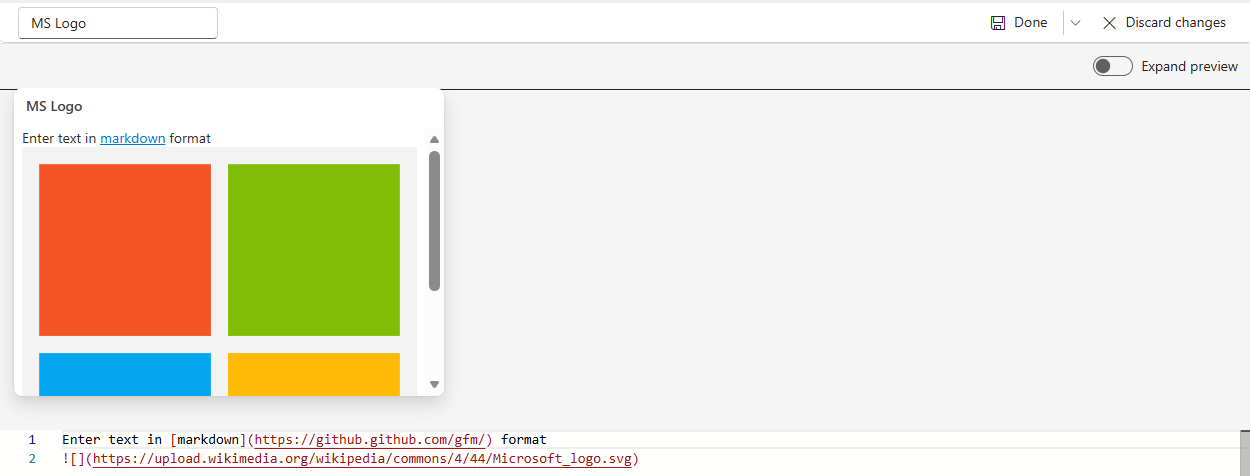
In the top menu, select Done to save the tile.
For more information on image syntax in GitHub Flavored Markdown, see Images.