Bilješka
Pristup ovoj stranici zahtijeva provjeru vjerodostojnosti. Možete pokušati da se prijavite ili promijenite direktorije.
Pristup ovoj stranici zahtijeva provjeru vjerodostojnosti. Možete pokušati promijeniti direktorije.
By default, the AD FS pages contain the Microsoft copyright. To remove this copyright from your customized pages, you can use the following procedure.
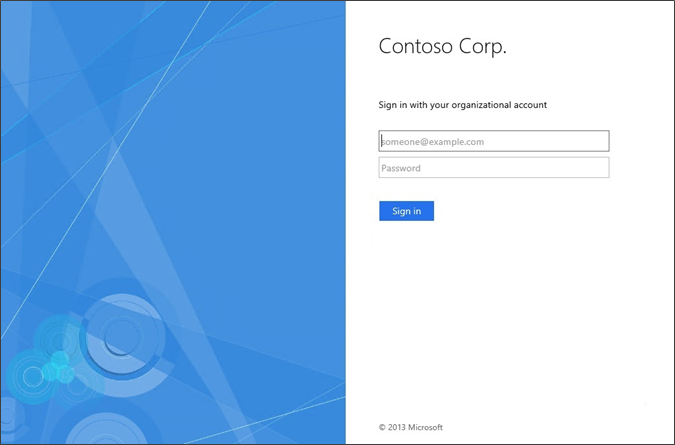
To remove the Microsoft copyright
Create a custom theme that is based on the default.
New-AdfsWebTheme –Name custom –SourceName defaultExport the theme by specifying the output folder.
Export-AdfsWebTheme -Name custom -DirectoryPath C:\CustomWebThemeLocate the
Style.cssfile that is located in the output folder. By using the previous example, the path would beC:\CustomWebTheme\Css\Style.css.Open the
Style.cssfile with an editor, such as Notepad.Locate the
#copyrightportion, and then change it to the following:#copyright {color:#696969; display:none;}Create a custom theme that is based on the new
Style.cssfile.Set-AdfsWebTheme -TargetName custom -StyleSheet @{locale="";path="C:\customWebTheme\css\style.css"}Activate the new theme.
Set-AdfsWebConfig -ActiveThemeName custom
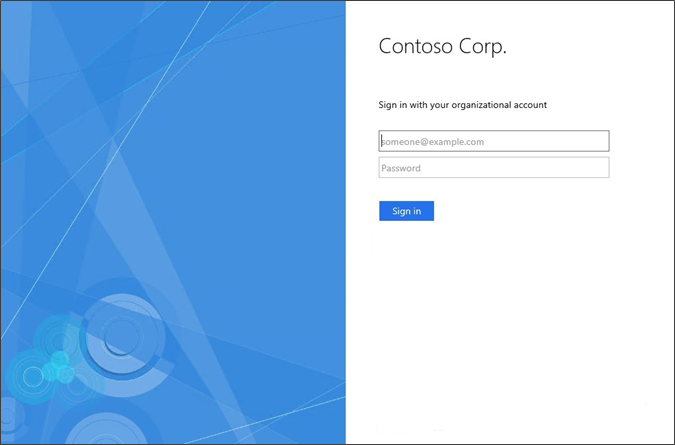
Now, you should no longer see the copyright at the bottom of the sign-in page.