Hi @James Hausler,
Good day, I hope you are doing well.
The issue you are experiencing can occur when your Microsoft 365 apps on your Surface have been installed using Click-to-Run, while Microsoft Project used a perpetual license and installed using Windows Installer. Based on your description, the installer provided in the purchase link could be using the Windows Installer – MSI installation technology.
Microsoft explicitly states that "You can't install the same version of Office products that use two different installation technologies installed on the same computer. This also applies to standalone applications like Project."
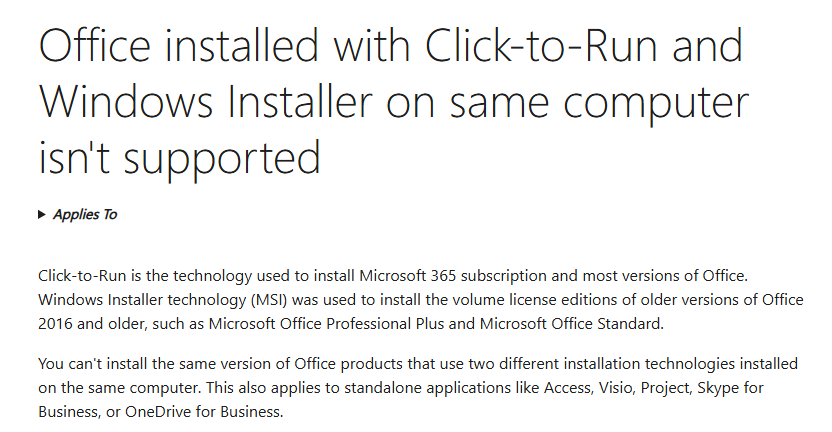
For more information, please refer to this document: Office installed with Click-to-Run and Windows Installer on same computer isn't supported - Microso…
To resolve the issue, I would recommend reaching out to your organization's IT admin to install the Click-to-Run version of Microsoft Project using the Microsoft Office Deployment tool and Microsoft 365 Apps admin center:
- Download the Office Deployment Tool from: Download Office Deployment Tool from Official Microsoft Download Center .
- Run the .exe file, then choose the location to extract ODT to.
- Sign into Deployment configurations - Microsoft 365 Apps admin center.
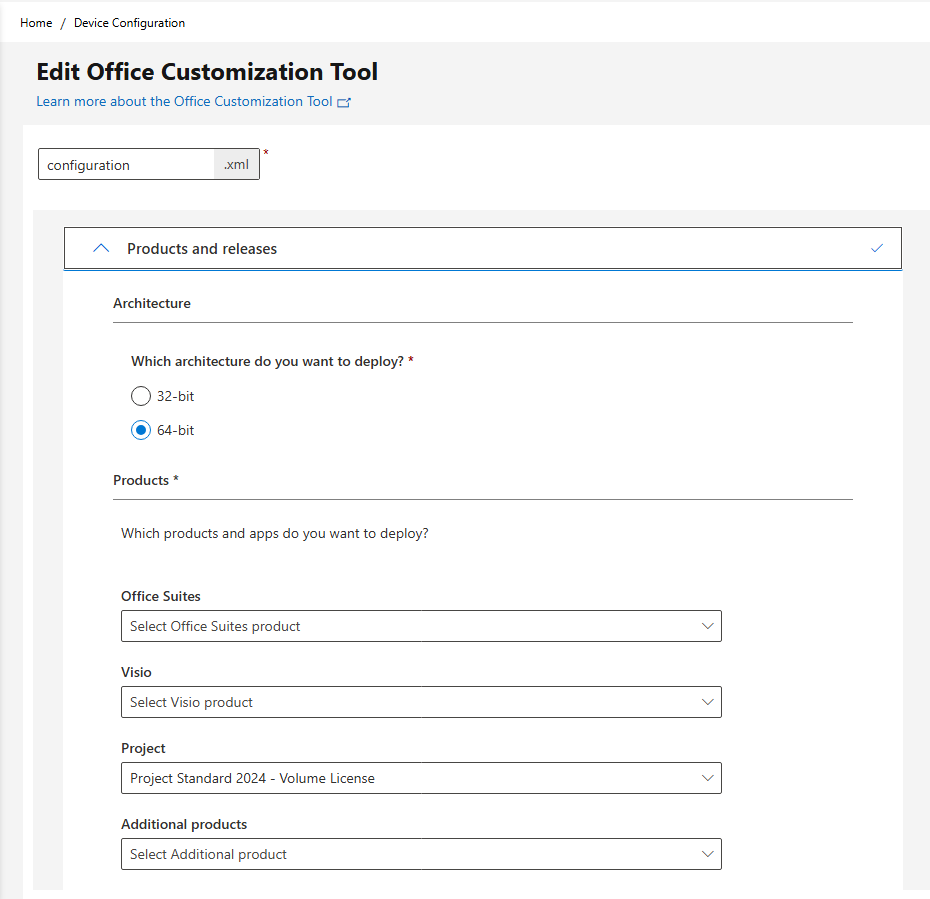
- Create a new configuration, select the Architecture and Project Standard.
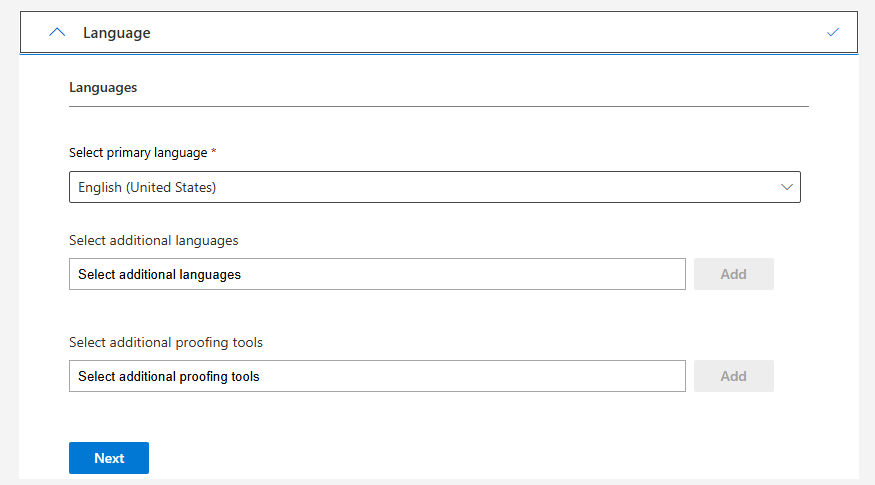
- Select primary language for the app.
- Select Done and Download the .xml file.
- On your device, open the Command Prompt as an admin.
- Open the Office Deployment Tool’s folder by entering cd in the Prompt followed by the full path of the folder you extracted the Office Deployment Tool to.
- Run the following command:
setup /configure configuration.xml
- Follow the prompt to finish.
I hope this information is helpful. Please follow the steps above and let me know if it works for you. If not, we can continue working together to resolve the issue.
Thank you for your patience and understanding. If you have any questions or need additional assistance, please don’t hesitate to reach out so I can continue to support you. If you found the response useful, please consider marking it as accepted, as this may help other community members who are looking for similar guidance.
I look forward to continuing the conversation.
If you have extra questions about this answer, please click "Comment".
Note: Please follow the steps in our documentation to enable e-mail notifications if you want to receive the related email notification for this thread.
' cx='32' cy='32' r='32' /%3E%3Ctext x='50%25' y='55%25' dominant-baseline='middle' text-anchor='middle' fill='%23FFF' %3EJH%3C/text%3E%3C/svg%3E)

' cx='32' cy='32' r='32' /%3E%3Ctext x='50%25' y='55%25' dominant-baseline='middle' text-anchor='middle' fill='%23FFF' %3EET%3C/text%3E%3C/svg%3E)
' cx='32' cy='32' r='32' /%3E%3Ctext x='50%25' y='55%25' dominant-baseline='middle' text-anchor='middle' fill='%23FFF' %3EJT%3C/text%3E%3C/svg%3E)