Note
Access to this page requires authorization. You can try signing in or changing directories.
Access to this page requires authorization. You can try changing directories.
Before creating extensions for an Azure Database for PostgreSQL flexible server, add them to the allow list.
Steps to allow extensions
Using the Azure portal:
Select your Azure Database for PostgreSQL flexible server.
From the resource menu, under the Settings section, select Parameters.
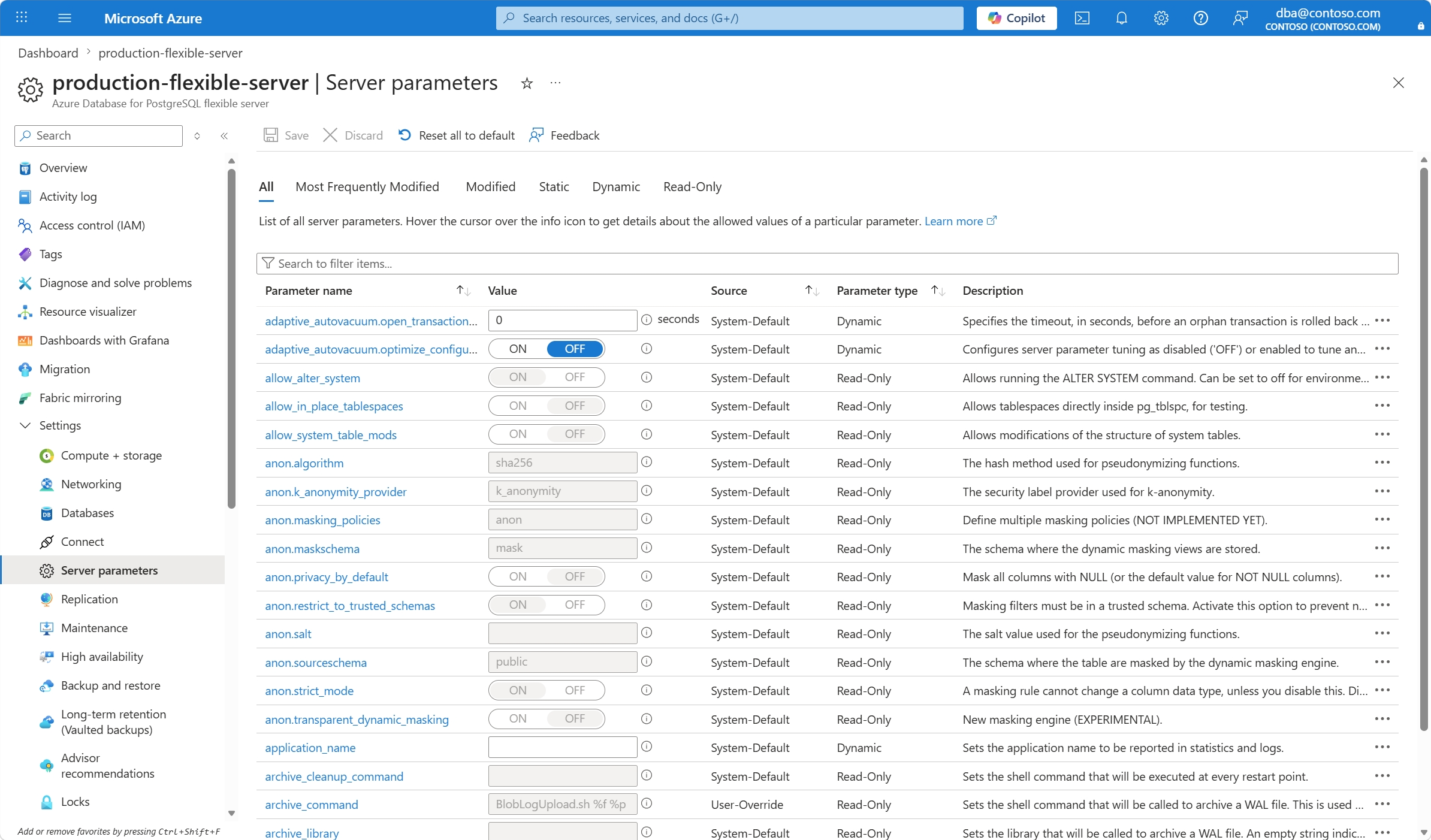
Select the extensions that you want to allowlist from the ones available in the
azure.extensionsparameter.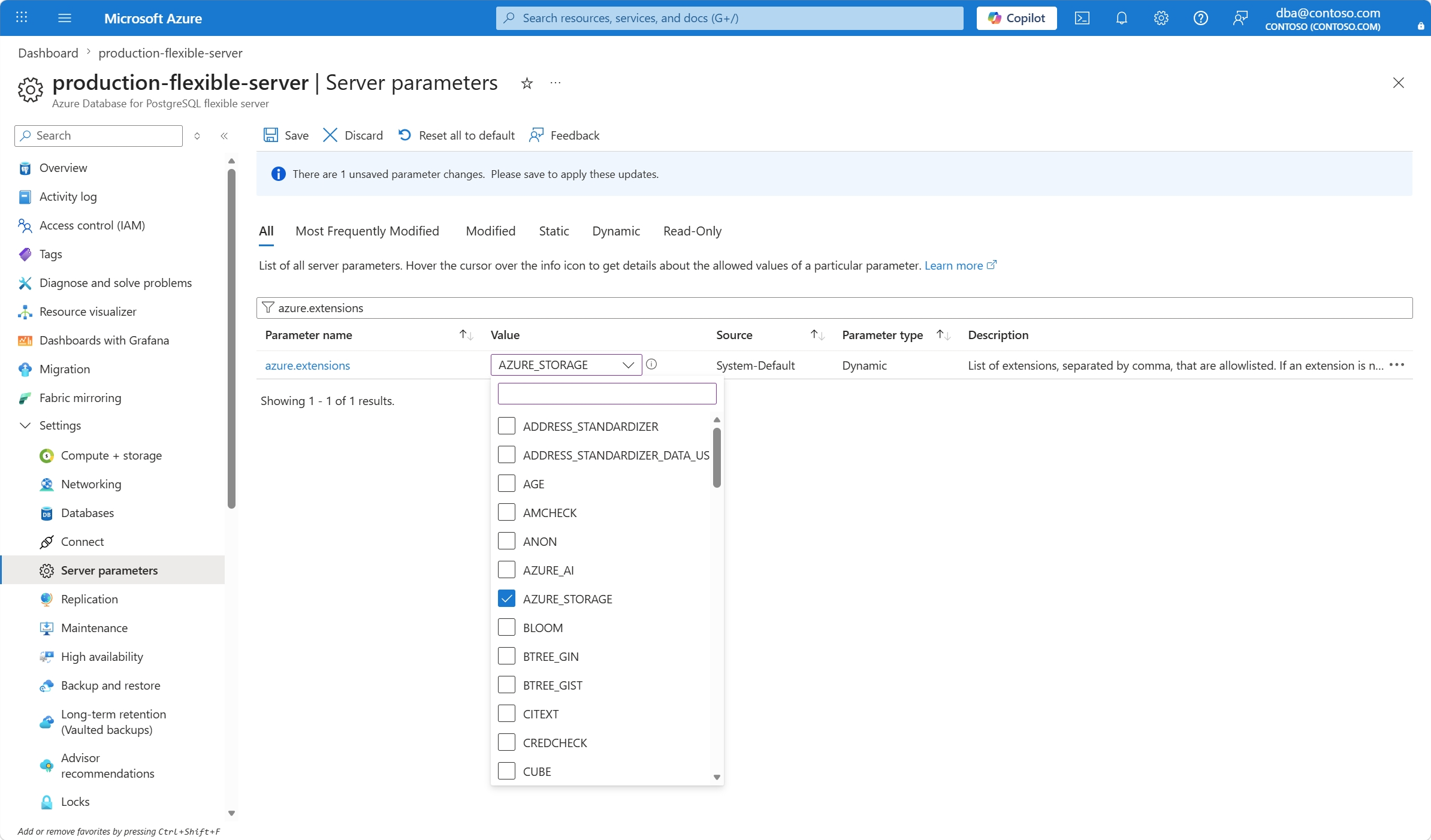
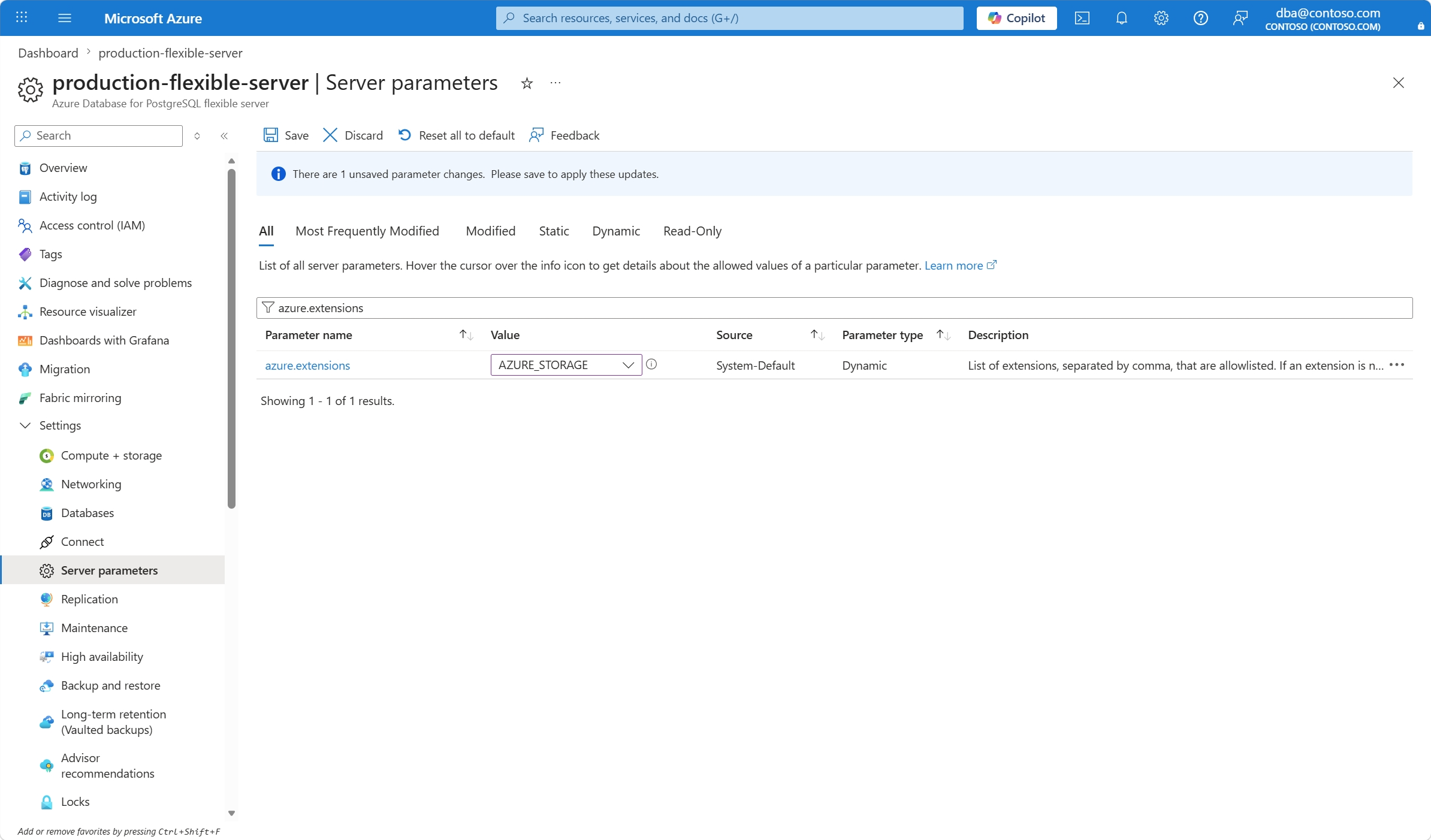
Select Save.
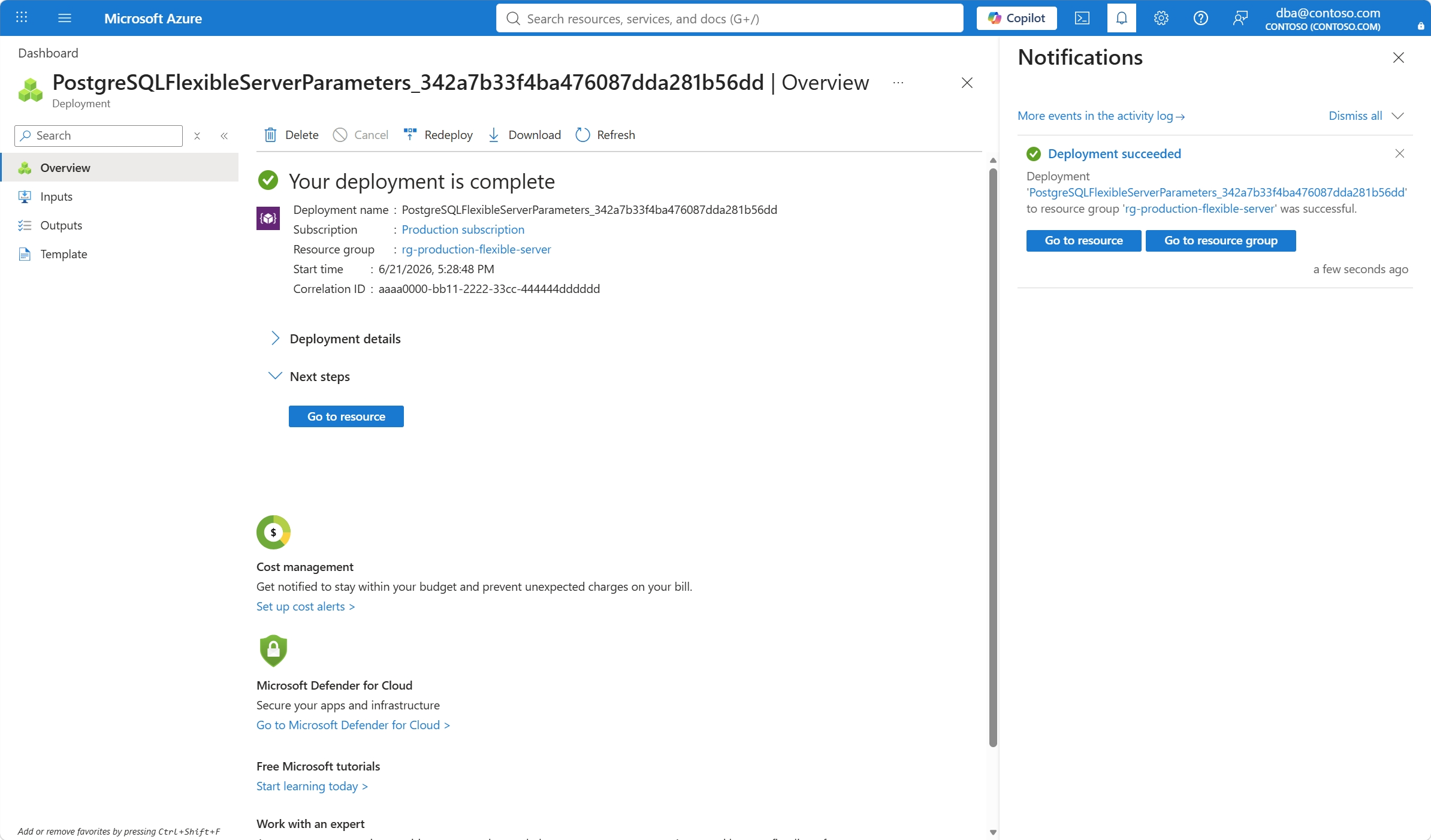
A new deployment is launched to set the value of the
azure.extensionsparameter on your Azure Database for PostgreSQL flexible server.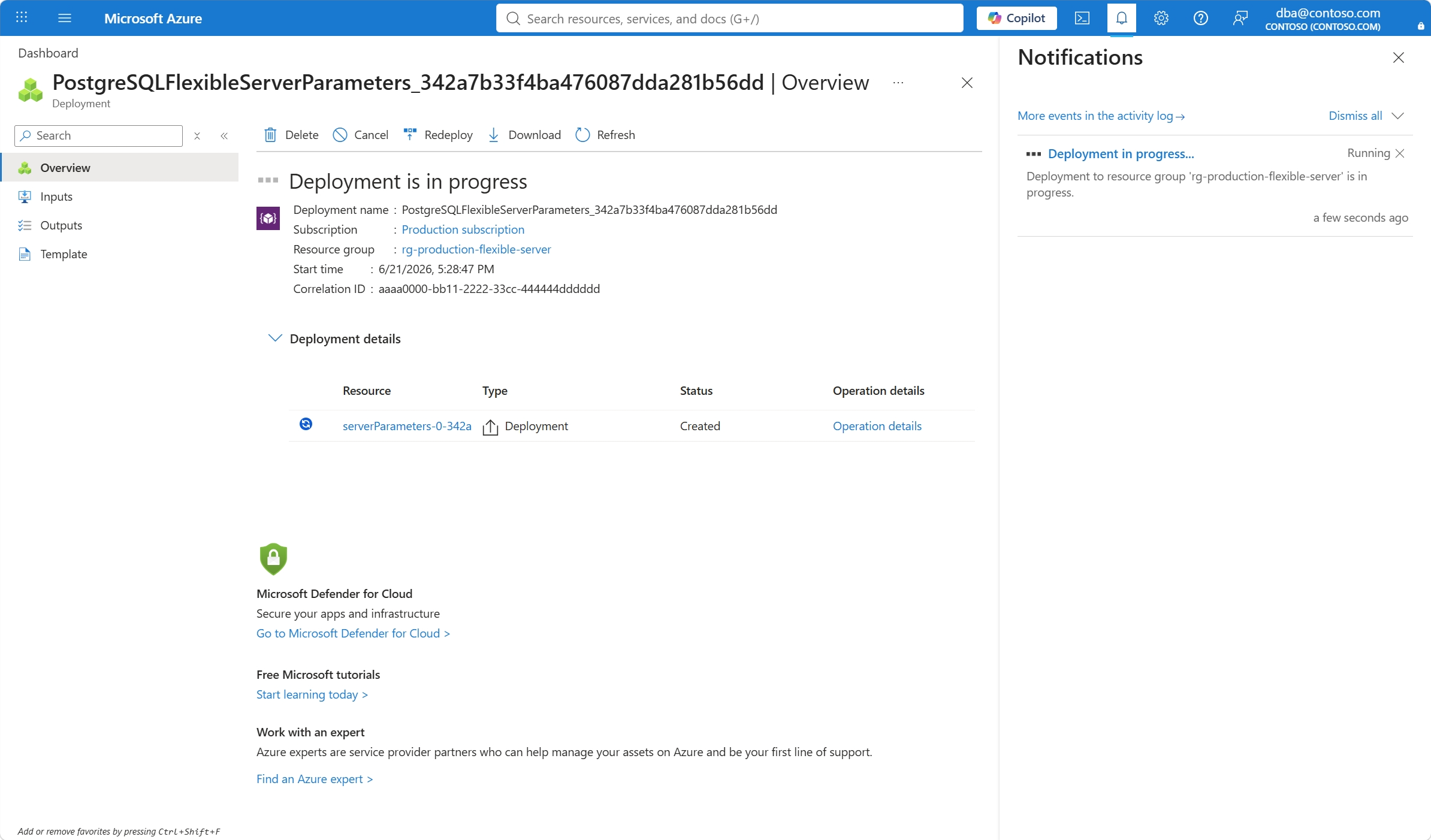
When the deployment completes, select Go to resource to go back to your Azure Database for PostgreSQL flexible server.