Bilješka
Pristup ovoj stranici zahtijeva provjeru vjerodostojnosti. Možete pokušati da se prijavite ili promijenite direktorije.
Pristup ovoj stranici zahtijeva provjeru vjerodostojnosti. Možete pokušati promijeniti direktorije.
This article provides troubleshooting steps and information to use Application Insights Code Optimizations for Microsoft Azure.
Code Optimizations troubleshooting checklist
Step 1: View a video about Code Optimizations setup
Start by verifying you set up Code Optimizations properly. Watch the following video on how to set up Code Optimizations.
Step 2: Make sure that your app is connected to an Application Insights resource
Create an Application Insights resource and verify that it's connected to the correct app.
Step 3: Verify that .NET Profiler is enabled
Step 4: Verify that .NET Profiler is collecting profiles
To ensure that .NET Profiler uploads profiles to your Application Insights resource, follow these steps:
In the Azure portal, search for and select Application Insights.
In the list of Application Insights resources, select the name of your resource.
In the left menu of your Application Insights resource, select Investigate, and then select Performance.
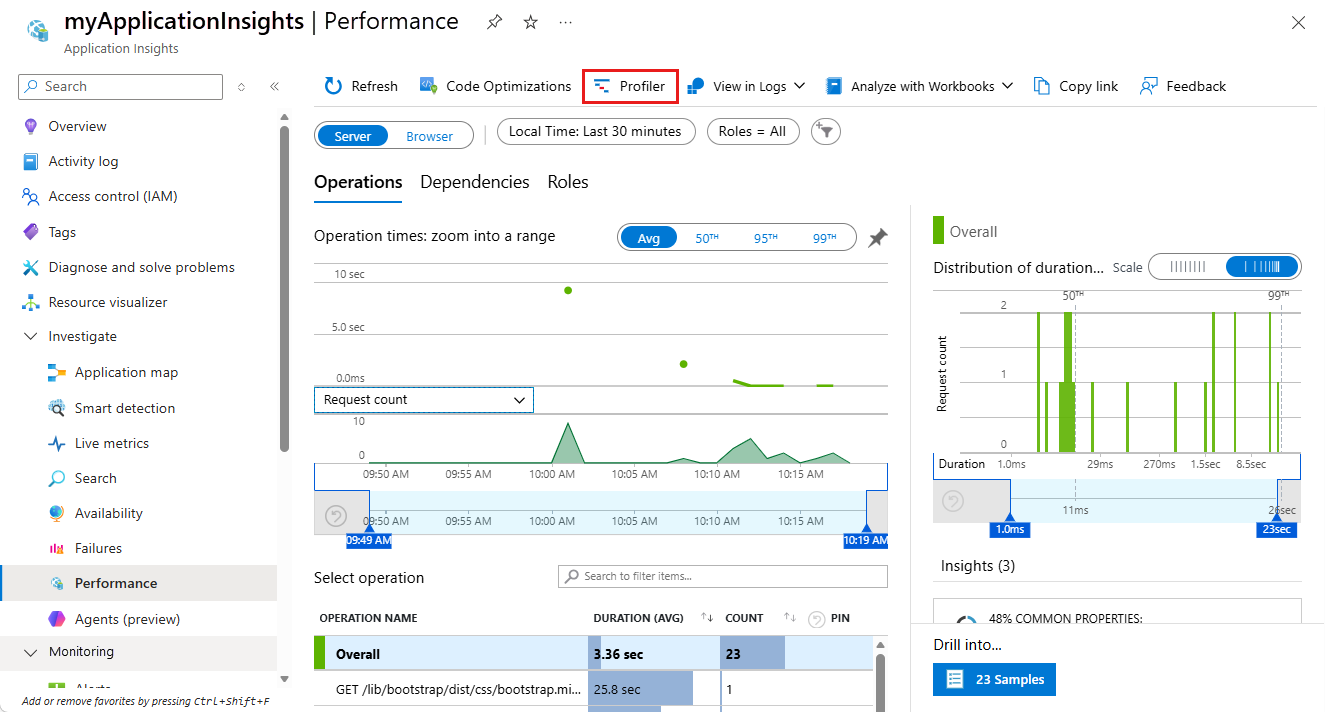
On the Performance page of your Application Insights resource, select Profiler:
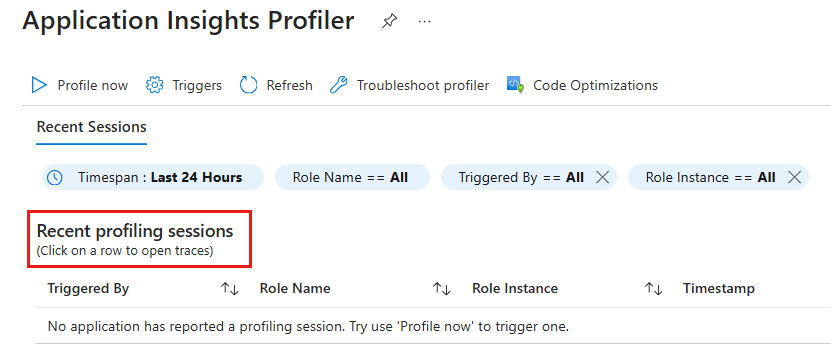
On the Application Insights Profiler page, view the Recent profiling sessions section.
Note
If you don't see any profiling sessions, see Troubleshoot Application Insights Profiler.
Step 5: Regularly check the Profiler
After you complete the previous steps, keep checking the Profiler page for insights. Meanwhile, the service continues to analyze your profiles and provide insights as soon as it detects any issues in your code.
After you enable the .NET Profiler, it might take several hours to generate profiles and for the service to analyze them. If the service detects no issues in your code, a message confirms that it found no insights.
Contact us for help
If you have questions or need help, create a support request, or ask Azure community support. You can also submit product feedback to Azure feedback community.