Bilješka
Pristup ovoj stranici zahtijeva provjeru vjerodostojnosti. Možete pokušati da se prijavite ili promijenite direktorije.
Pristup ovoj stranici zahtijeva provjeru vjerodostojnosti. Možete pokušati promijeniti direktorije.
Important
This feature is in preview.
Business events are events that applications and analytics generate in Microsoft Fabric to represent something meaningful to your business, such as an order being placed or a threshold being crossed. You define and publish these events from sources such as user data functions and notebooks, so they carry the business context that matters to you. This context differs from Fabric events and Azure events, which are system events that the platform generates automatically to signal changes in Fabric workspace items or Azure services.
On this page, you define, discover, publish, and consume business events across Fabric. After you publish a business event, you can use it to trigger alerts, automate workflows, run analytics, or provide real-time context to AI systems.
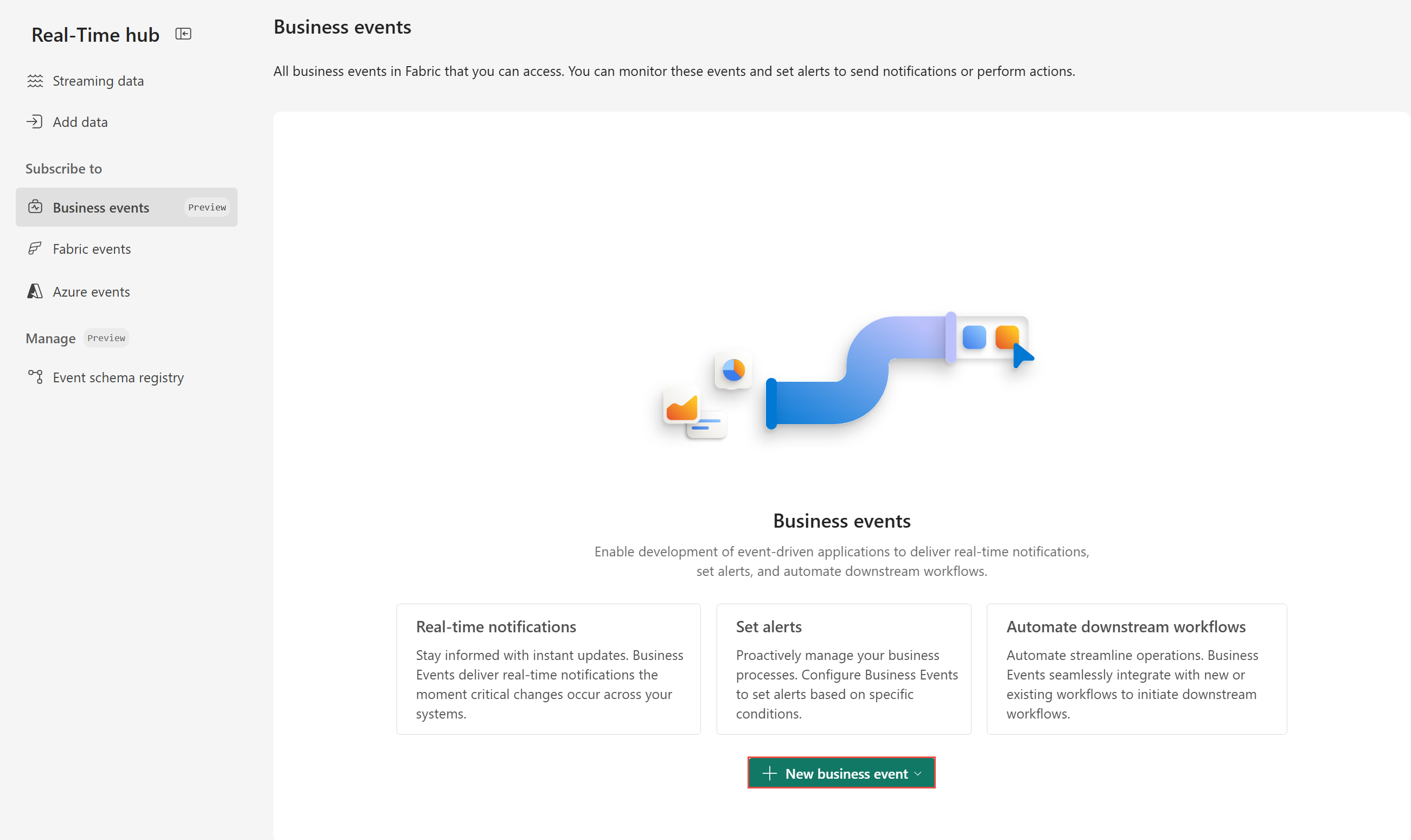
If you don't already have business events defined, the Business events page is empty when you first open it. You can create a business event from a source such as a user data function or notebook, and then publish it to make it available for consumption.
If you have business events in the workspace, you see them in a table. You can create more business events by using the New business event button, or you can select a business event to view its details, edit it, or publish it. You can also search for a business event by name or filter the list by the source that generated the event.
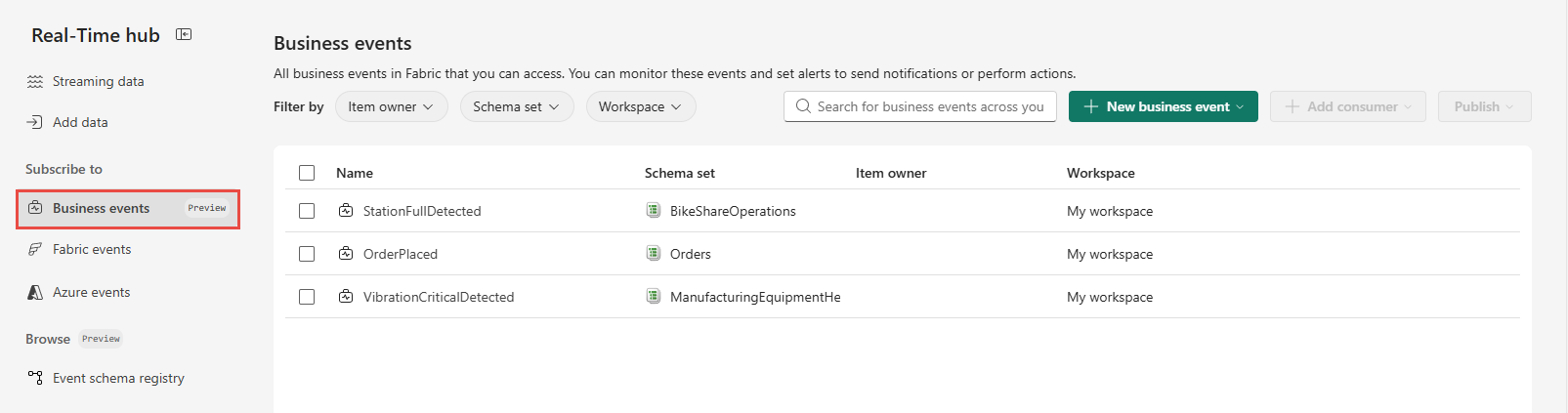
You can take the following actions on the Business events page:
- Set alerts - Create an alert that monitors a business event and triggers an action, such as an email or Teams notification, when the event occurs.
- Manage event schema - View and update the schema that defines the fields and data types of a business event, so producers and consumers agree on the event structure.
- Delete a business event - Remove a business event that you no longer need. After you delete it, the event is no longer available for consumption.
For step-by-step instructions, see Create and manage business events.
Next step
Go to the Fabric events page to learn how to subscribe and respond to events from Fabric workspaces.